TL;DR
- An ATS-friendly resume is not a trick resume. It is a clear, well-structured resume.
- Use standard headings such as Work Experience, Education, Skills, Certifications, and Projects.
- Match important keywords from the job description when they truthfully fit your background.
- Use a clean layout, readable font, and text-based PDF or Word file.
- Avoid graphics, scanned PDFs, text boxes, unusual section names, and keyword stuffing.
- The goal is to help both software and recruiters understand your qualifications faster.
Table of Contents
What an ATS-Friendly Resume Means
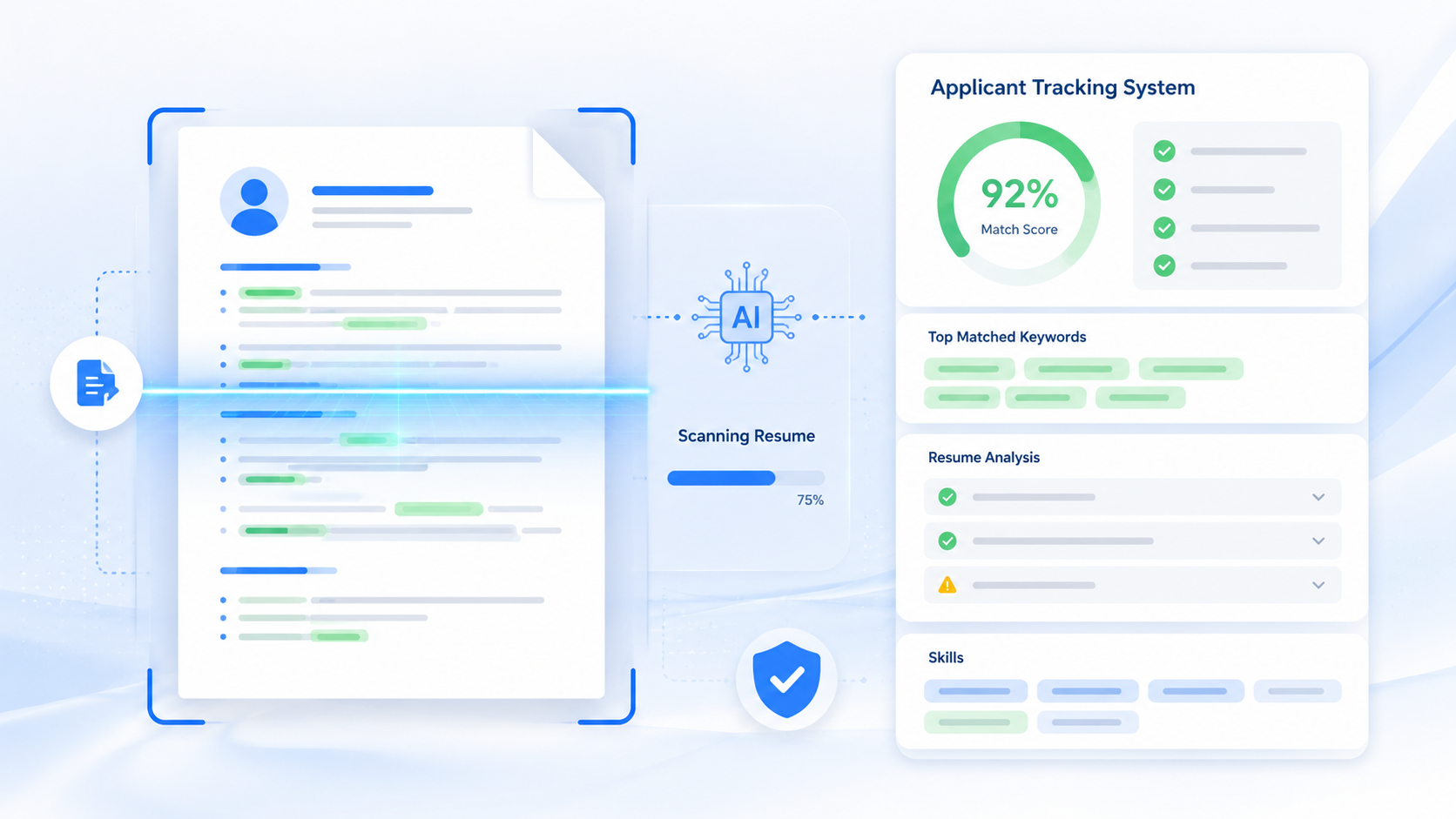
An ATS-friendly resume is built so hiring software can parse the document without confusion. ATS stands for applicant tracking system. Employers use these systems to receive applications, store resumes, organize candidates, search for qualifications, and manage the hiring workflow.
That does not mean your resume should be robotic or plain to the point of being unreadable. A strong ATS-friendly resume is also recruiter-friendly. It gives a hiring team the information they need without forcing them to hunt for your job titles, skills, dates, or achievements.
In practical terms, an ATS-friendly resume has three qualities:
- Readable structure: The system can identify your sections, roles, employers, dates, education, and skills.
- Relevant language: Your wording reflects the job description when your experience honestly matches it.
- Clean formatting: The layout does not hide important text inside images, icons, text boxes, or unusual design elements.
The best way to think about it is simple: if a recruiter copied your resume into a plain text document, would the key information still make sense? If yes, you are already close.
How Applicant Tracking Systems Work
When you apply online, your resume may be uploaded into an ATS. The system can extract information from your document and attach it to your candidate profile. Recruiters may then search, filter, sort, or review applications based on job requirements.
Common ATS tasks include:
- Collecting applications from job boards and company career pages
- Parsing resumes into candidate profiles
- Storing resumes and application answers
- Helping recruiters search for skills, titles, locations, and credentials
- Tracking interview stages and hiring decisions
- Sending candidate messages and status updates
Large employers use ATS platforms heavily. Jobscan's 2025 ATS usage research reports that 98.4% of Fortune 500 companies use an applicant tracking system. That number does not mean every application is rejected by a machine. It does mean most large-company applications are stored and managed through software before, during, and after recruiter review.
This is why resume clarity matters. If your resume is hard for software to parse, a recruiter may see incomplete information, missing skills, or a messy profile even if your original document looked attractive.
Why ATS Formatting Matters for Job Seekers
ATS formatting matters because online applications create a high-volume hiring process. Recruiters often review many applicants for one opening. They need resumes that are easy to search and compare.
For students, fresh graduates, career changers, and professionals changing industries, ATS-friendly formatting is especially important. You may not have the exact same job title as the posting, so your resume needs to make transferable skills easy to find.
The National Association of Colleges and Employers has found that employers reviewing student resumes look for evidence of skills such as problem-solving, teamwork, and communication. Those skills should not be buried in vague statements. They should appear in specific bullets, project descriptions, and skills sections.
For example, do not write only "strong teamwork skills." Write a bullet that proves it:
Better: Collaborated with a five-person team to research customer pain points, summarize survey findings, and present recommendations to the class.
That bullet is useful for an ATS because it includes searchable terms such as collaborated, research, survey findings, and recommendations. It is useful for a recruiter because it shows what you actually did.
Best ATS-Friendly Resume Format
The safest ATS-friendly resume format is a clean reverse-chronological resume. That means your most recent role or experience appears first, followed by earlier experience. If you are a student, recent graduate, or career changer, a hybrid format can also work: summary, skills, projects or relevant experience, then work history and education.
Use a simple structure
Recommended order for most applicants:
- Contact information
- Professional summary
- Skills
- Work experience or relevant experience
- Projects, certifications, or volunteer work
- Education
Students and fresh graduates can move Education closer to the top. Senior professionals should usually keep Work Experience near the top.
Use standard fonts and spacing
Use a readable font such as Arial, Calibri, Times New Roman, Helvetica, Georgia, or Inter. Keep font size around 10.5 to 12 points for body text. Use enough white space so the resume is readable on a screen.
Use PDF or Word correctly
A text-based PDF is usually fine unless the employer specifically asks for a Word document. The key phrase is text-based. A scanned PDF or image-based resume can cause parsing problems because the ATS may not read the text correctly.
If an application portal gives specific instructions, follow them. If it asks for DOCX, use DOCX. If it accepts PDF, use a clean PDF exported from your resume builder or word processor.
How to Use Resume Keywords Correctly
Resume keywords are words and phrases that match the job description. They often include job titles, skills, tools, certifications, industries, and responsibilities.
Good keyword use is honest and specific. Keyword stuffing is obvious and risky. A recruiter can tell when a resume is packed with terms that do not match the person's experience.
Where to find keywords
Read the job posting and highlight:
- Required skills
- Preferred skills
- Software tools
- Certifications
- Repeated responsibilities
- Industry terms
- Job title variations
Example keyword match
If a customer support job asks for Zendesk, live chat, troubleshooting, CRM, escalation, and customer satisfaction, your resume should include the terms you actually know.
Weak bullet: Helped customers with issues.
ATS-friendly bullet: Resolved customer questions through live chat and email, documented issues in Zendesk, and escalated billing cases to the account team.
The second bullet works better because it mirrors the language of the job while still sounding natural.
Sections Every ATS Resume Should Include
ATS platforms are better at reading common section names. Creative labels can look interesting, but they may make your resume harder to parse.
Contact information
Include your name, city and state, phone number, email address, LinkedIn URL, and portfolio link if relevant. Do not put contact details only in a header image.
Professional summary
Use two to four lines. Mention your target role, strongest relevant skills, and one proof point.
Skills
Group skills in a readable way. For technical roles, separate programming languages, tools, frameworks, and methods. For business roles, include software, analysis, communication, operations, or customer-facing skills.
Work experience
Include job title, company, location, dates, and achievement-focused bullets. Use numbers where they are true and useful.
Projects
Projects are valuable for students, career changers, and technical applicants. Include tools used, problem solved, and outcome.
Education and certifications
List degrees, schools, graduation dates if helpful, certifications, licenses, and relevant coursework for early-career resumes.
ATS-Friendly Resume Examples
Example 1: Marketing assistant bullet
Before: Worked on social media posts.
After: Created weekly Instagram and LinkedIn posts using Canva and scheduled content in Buffer to support a campus event campaign.
The improved version includes tools, channels, frequency, and business purpose.
Example 2: Entry-level data analyst project
Before: Completed data project for class.
After: Analyzed 1,200-row sales dataset in Excel using pivot tables, filters, and charts to identify seasonal revenue trends.
This version includes dataset size, tools, methods, and insight.
Example 3: Customer service role
Before: Responsible for helping customers.
After: Assisted 40+ customers per shift, processed POS transactions, answered product questions, and resolved returns according to store policy.
This bullet uses keywords a retail or service employer may search for: customers, POS, product questions, returns, policy.
Common ATS Resume Mistakes
Using nonstandard section names
Use "Work Experience" instead of "Where I Made an Impact." Use "Skills" instead of "My Toolbox." Simple headings reduce parsing risk.
Putting important text in graphics
If your skills or name are inside an image, an ATS may miss them. Keep important content as selectable text.
Overdesigning the resume
Visual design can help in a portfolio, but online applications reward clarity. Avoid complex columns, icons used as labels, decorative charts, and unusual spacing.
Using one resume for every job
ATS-friendly does not mean one-size-fits-all. Adjust your summary, skills, and bullets for each role.
Stuffing keywords
A block of repeated keywords can hurt readability. Use relevant words naturally in context.
Forgetting the human reader
Even if software scans your resume first, a recruiter still needs to understand it. Your resume should sound like a capable person wrote it.
ATS-Friendly Resume Checklist
- One or two pages depending on your experience level
- Standard section headings
- Readable font and clean spacing
- Contact information in normal text
- Job title and employer names clearly listed
- Dates formatted consistently
- Relevant keywords from the job description
- Achievement-focused bullet points
- No scanned PDF or image-only resume
- No keyword stuffing
- Saved in the format requested by the employer
How AICV Create Helps With ATS-Friendly Resumes
AICV Create is built for job seekers who want a resume that looks professional and stays readable. You can create a resume with clean sections, improve bullet points, compare your wording to job descriptions, and export a polished PDF.
That is useful whether you are applying for your first internship, changing careers, or updating a professional resume for a new role. Instead of guessing which keywords and sections matter, you can build a resume around the job you want and keep the formatting simple.
FAQ
What does ATS-friendly resume mean?
It means your resume is formatted so applicant tracking systems can parse it and recruiters can quickly understand it. It uses standard headings, readable text, relevant keywords, and a clean layout.
Do ATS systems reject resumes automatically?
Some employers use screening rules, but ATS platforms are mainly used to collect, parse, organize, search, and rank applications. A human recruiter often still reviews qualified resumes.
What format is best for an ATS-friendly resume?
A clean reverse-chronological or hybrid resume is usually best. Use standard sections, simple formatting, and a text-based PDF or Word document if requested.
Can I use a two-column resume for ATS?
Some modern systems can read columns, but a single-column layout is safer for online applications because it reduces parsing errors.
How do I add keywords without stuffing my resume?
Use keywords naturally in your summary, skills, and experience bullets only when they accurately describe your background. Mirror important wording from the job description.
Is an ATS resume different from a recruiter resume?
It should not be. The best resume works for both: easy for software to parse and easy for a recruiter to scan.
Conclusion
An ATS-friendly resume is not about beating a system with tricks. It is about making your qualifications easy to read. Clear headings, relevant keywords, simple formatting, and specific bullet points help your resume move through online applications and make sense to the recruiter on the other side.
Before you apply, compare your resume to the job description. Remove confusing formatting. Add honest keywords where they fit. Make your achievements specific. Then save the file in the format the employer requests.
If you want help building a clean, ATS-friendly resume faster, AICV Create can help you write stronger sections, match your resume to a job posting, and download a professional PDF you can use with confidence.