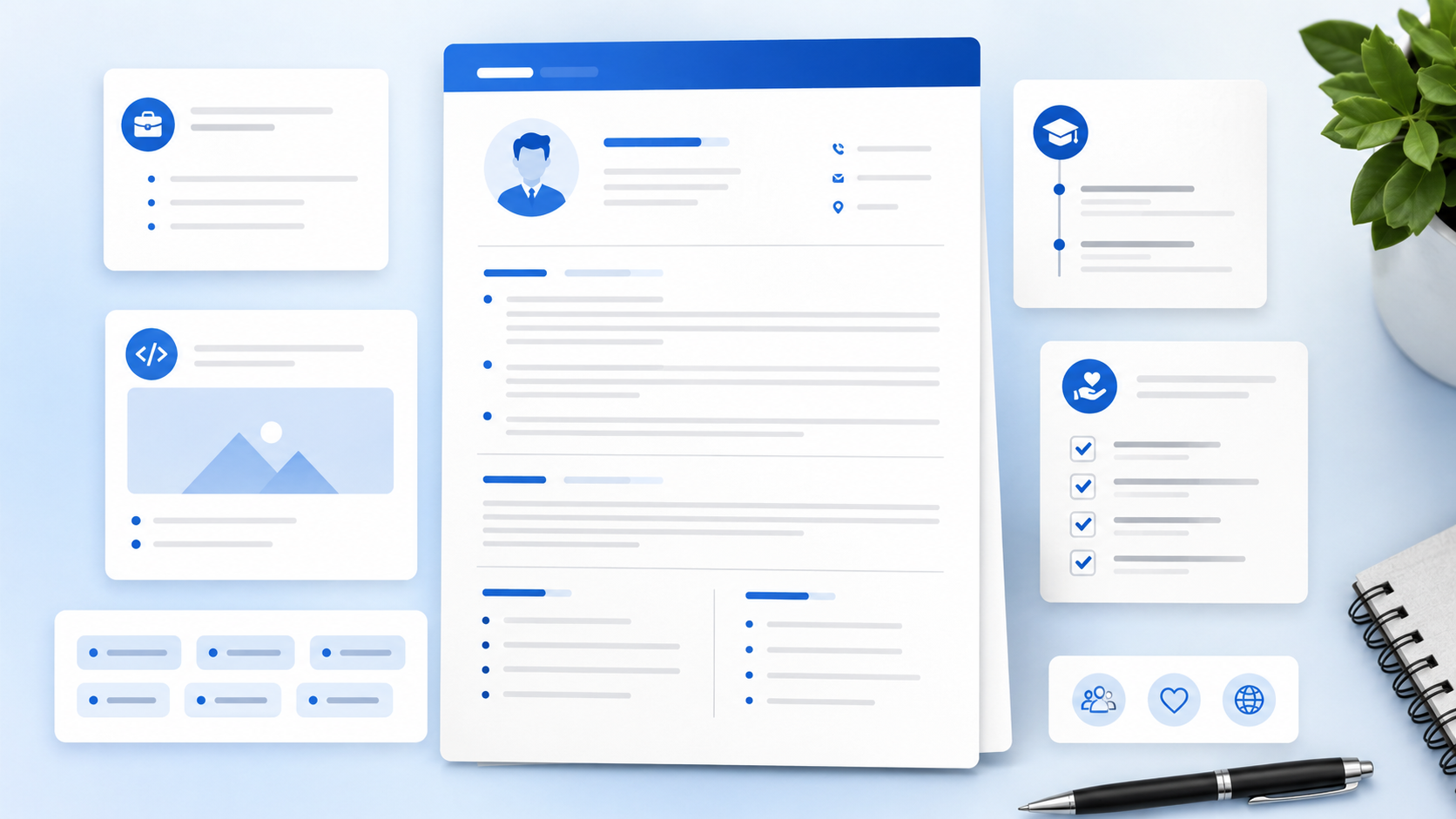
Most resumes fail because they include too much of the wrong information. If you are unsure what to put on a resume, start with one rule: every section should help an employer understand why you fit the job.
This guide explains each major resume section, what content belongs there, and what to leave out. You will see examples for students, freshers, career changers, and professionals, plus a practical checklist you can use before sending your next application.
TL;DR
- Include contact information, summary, skills, experience, education, and proof-based extras.
- Choose resume content based on the job description, not everything you have ever done.
- Use projects, coursework, and volunteer work if you have limited work history.
- Keep each section easy for recruiters and ATS software to scan.
- Remove outdated, repeated, or unrelated details that weaken your strongest proof.
Table of Contents
Why Resume Sections Matter
Resume sections are the signposts that help people and software read your background. A recruiter wants to find your skills, experience, education, and contact details quickly. ATS software also depends on clear section headings to understand your content.
Think of your resume like a store shelf. If everything is mixed together, the reader has to search. If each item is in the right place, the value is easier to see.
- Contact details tell employers how to reach you.
- A summary explains your target role and strongest fit.
- Skills show the tools and abilities that match the job.
- Experience and projects prove what you can do.
- Education and certifications support your qualifications.
What to Put in Each Resume Section
Step 1: Add clear contact information
Put your name, phone number, email, city and state, LinkedIn, and portfolio if relevant.
Use a professional email address and check every link before sending. You do not need your full street address, photo, age, marital status, or personal ID numbers for a standard U.S. resume.
Step 2: Write a focused resume summary
Use two to four lines to explain your role, strongest skills, and proof.
A good summary helps the reader understand your direction fast. A student might mention coursework and projects. A professional might mention years of experience, tools, industry, and results.
Need wording ideas? Browse these resume summary examples for beginners.
Step 3: Build a targeted skills section
List skills that match the job description and your real ability.
Use a mix of technical tools, job-specific skills, and workplace strengths. For example, an administrative resume might include scheduling, data entry, Microsoft Excel, document management, customer service, and written communication.
Free tools like AICV Create can help you organize these sections and keep your resume content in an ATS-friendly layout.
Step 4: Show work experience with proof
Include job title, company, location, dates, and 3 to 5 bullet points per relevant role.
Strong bullets show action, context, tools, and results. If you do not have numbers, use clear details: customer type, team size, tools used, work setting, or project purpose.
Step 5: Add education, projects, and certifications
Use these sections to prove ability when work history is limited or specialized.
Students and freshers can place education and projects higher. Experienced professionals can keep education shorter unless the degree, license, or certificate is required for the role.
If your work history is thin, see how to write a resume with no experience for a deeper walkthrough.
Step 6: Compare weak and strong resume content
Use this table to see how generic content becomes useful proof.
| Weak content | Stronger resume content |
|---|---|
| Good communication skills. | Answered customer questions by phone and email, documented issues, and followed up on order updates. |
| Worked on school project. | Built a market research presentation using survey responses, spreadsheet charts, and a 10-minute team presentation. |
| Responsible for reports. | Prepared weekly Excel reports tracking inventory changes, missing items, and vendor follow-ups. |
Resume Content Mistakes to Avoid
- Including everything: A resume is not your full life history. Keep details that support the target job.
- Using vague claims: Words like hard-working and motivated need proof. Show the behavior through tasks, tools, and results.
- Skipping projects: If you lack work history, projects can prove skills. Do not hide useful coursework, portfolio work, or volunteer projects.
- Adding personal details: Photos, age, marital status, and full address are not needed for most U.S. resumes.
- Ignoring the job description: If your resume sections do not match the role, the application feels random.
For the full list, see resume mistakes that cost interviews.
Pro Tips for Stronger Resume Content
- Put the strongest proof highest. If projects are better than job history, place projects above experience.
- Use standard headings. Summary, Skills, Experience, Projects, Education, and Certifications are easy to scan.
- Tailor the top third. The summary, skills, and first role should reflect the job you want.
- Keep old details short. Older or unrelated jobs can use fewer bullets.
★ PRO TIP: Read each line and ask, "Does this help the employer choose me for this job?" If not, cut it, shorten it, or move it lower.
AICV Create can help you test section order, improve bullet wording, and export a polished PDF once your content is ready.
Before and After Resume Content Example
Here is a realistic example for a college student applying for an entry-level office assistant job.
Before: The resume has a long objective, a list of hobbies, every course taken, and one vague bullet that says "helped with events."
After: The resume has a short summary, skills in Excel and scheduling, a campus event project, part-time customer service work, and education with relevant coursework.
The after version works because each section proves something useful. The summary gives direction. The skills match the job. The project shows organization. The part-time job proves communication and reliability.
For a professional, the same rule applies. A strong resume does not include every duty. It includes the duties and results that make the next employer trust you.
Optional Resume Sections to Add Carefully
Optional sections can help when they support the role. They can also waste space when they feel random.
- Certifications: Add licenses, online certificates, or training that the job values.
- Volunteer work: Use it when it shows leadership, service, communication, or relevant tools.
- Awards: Keep awards recent and connected to work, school, leadership, or performance.
- Languages: Include languages when they matter for customers, teams, or the role.
- Portfolio: Add a link for design, writing, software, marketing, or project-based roles.
What Not to Put on a Resume
Knowing what to leave out is as important as knowing what to include. Weak content makes strong content harder to notice.
- Do not include references or "references available upon request."
- Do not include salary history unless an employer specifically asks elsewhere.
- Do not include skills you cannot explain in an interview.
- Do not include long paragraphs under each job.
- Do not include private personal information.
A clean resume feels confident because it respects the reader's time. It gives enough information to earn the interview, not every detail from your background.
What to Put on a Resume by Career Stage
Your resume content should change as your experience grows. A student resume should not look like a senior manager resume, and a career changer should not hide the skills that connect old work to a new field.
Students and fresh graduates
Put education, projects, internships, campus work, part-time jobs, volunteer work, skills, and certifications near the top. You can include relevant coursework when it proves a skill the employer wants. Keep high school details only if you are still in high school or have very limited college experience.
Career changers
Put transferable skills, a focused summary, relevant training, projects, and the parts of your past jobs that match the new role. You do not need to list every old duty. Show the bridge between what you have done and what the employer needs now.
Experienced professionals
Put recent achievements, leadership scope, tools, systems, results, and the work that best matches the job. Older roles can be shorter. Your resume should show growth, but it should not force the reader through every task from 10 years ago.
Best Resume Section Order for ATS and Recruiters
For most U.S. job applications, use a simple section order: contact information, summary, skills, experience, projects if relevant, education, and certifications. This order helps recruiters scan quickly and helps ATS software identify the main parts of your resume.
If your strongest proof is not your work history, adjust the order. A student can place education and projects above experience. A software engineer can place technical skills near the top. A licensed healthcare worker can place certifications where they are easy to find.
The best order is not about being fancy. It is about making the most relevant proof easy to see in the first half of the page.
Build Your Resume Free with AICV Create
You do not have to guess which resume sections to use. AICV Create helps you organize your details, improve your wording, and build a clean resume faster.
- ATS-friendly templates for clear resume sections
- AI writing suggestions for summaries and bullet points
- Instant PDF download, free to start
→ Create your free resume at aicvcreate.com — no account needed to get started.
FAQ
What should I put on a resume?
Put your contact information, a short summary, relevant skills, work experience, education, projects, certifications, and achievements that match the job. Keep the content honest, specific, and easy to scan.
How many resume sections do I need?
Most resumes need five core sections: contact information, summary, skills, experience, and education. Add projects, certifications, volunteer work, or awards only when they help prove your fit for the role.
Should I include every job on my resume?
No. Include jobs that support the role or show useful transferable skills. Older or unrelated jobs can be shortened, grouped, or removed if they take space away from stronger proof.
What should students put on a resume?
Students should include education, relevant coursework, projects, internships, part-time work, volunteer work, campus activities, skills, and certifications. Focus on proof of responsibility, communication, tools, and problem solving.
Can AICV Create help me choose resume content?
Yes. AICV Create helps you organize resume sections, improve summaries and bullet points, use ATS-friendly templates, and download a clean PDF from your real experience and skills.