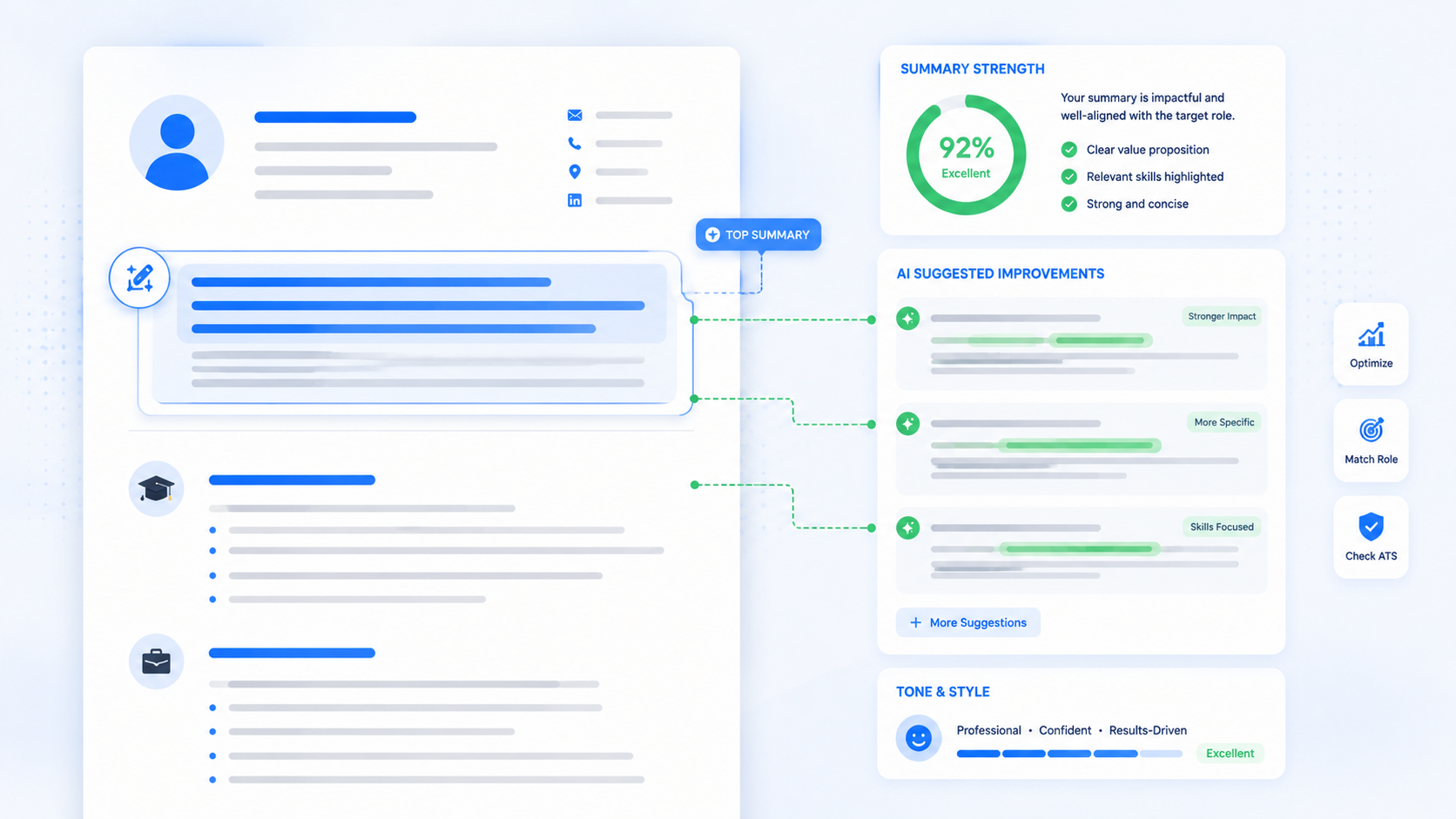
An AI resume builder can save you hours, but used carelessly, it also flattens your voice into the same generic phrases every other applicant is pasting in. This guide shows you how to use an AI resume writer the smart way: getting the speed and structure without the robotic tone.
You'll learn the right prompts to use, the phrases to avoid, common mistakes that give away AI writing, and a real before-and-after example.
TL;DR
- Feed the AI specific numbers and outcomes instead of vague prompts.
- Generate multiple versions, then combine the strongest lines yourself.
- Read every sentence out loud before you save the final draft.
- Replace generic buzzwords with verbs and details you'd actually use.
- Always edit the AI's first draft — never submit it unchanged.
Table of Contents
- Why AI Resumes Sound Robotic in the First Place
- How to Use an AI Resume Builder Without Sounding Robotic
- Common Mistakes People Make With an AI Resume Writer
- Pro Tips for Getting the Most Out of an AI CV Builder
- Real Example: Editing an AI Draft Into a Natural Resume
- Build Your Resume Free with AICV Create
- FAQ
Why AI Resumes Sound Robotic in the First Place
Most AI CV builder tools are trained on huge amounts of generic resume text, so their first draft tends to default to safe, repetitive phrasing. Words like "results-driven," "dynamic team player," and "proven track record" show up so often they've become a red flag to recruiters.
Think of it like ordering a custom coffee but getting the default recipe every time. The AI gives you a solid base, but it doesn't know your actual achievements unless you feed them in — which is exactly where most people go wrong.
Common signs a resume was AI-written without editing:
- Vague phrases with no real numbers or outcomes
- Every bullet point starting with the same verb structure
- Overly formal language that doesn't match how you actually talk
- Generic skills lists copied straight from a job posting
None of this means you should avoid AI tools. It means you need to treat the first draft as a starting point, not a finished resume.
Recruiters aren't against AI use — most assume you've used some kind of tool by now. What bothers them is a resume that reads like nobody bothered to check it before hitting submit.
The good news is that fixing this doesn't take much extra time. A few small adjustments turn a generic AI draft into something that sounds like an actual person wrote it, without losing the speed benefit of using the tool in the first place.
Once your wording is fixed, run it against the full ATS resume format checklist to make sure the formatting is solid too.
How to Use an AI Resume Builder Without Sounding Robotic
Follow these steps to get a resume that reads like you, not like a template.
Step 1: Feed the AI Specific Details, Not Vague Prompts
Give the tool real numbers, tools, and outcomes instead of asking it to "write my experience." A prompt like "increased social engagement 40% using Canva and scheduled posts" produces something far more specific than "worked on social media."
The more detail you put in, the less generic filler the AI needs to add to fill space. Vague prompts force the tool to guess, and guessing is exactly what produces those tired, overused phrases.
Step 2: Ask for Multiple Versions, Then Combine the Best Lines
Generate two or three versions of each bullet point and pick the strongest phrasing from each. This avoids landing on the AI's first, most generic attempt and gives you options to mix and match.
Sometimes the best line isn't a full version at all — it might be one strong phrase from version one combined with the ending of version three. Treat the drafts as raw material, not a final answer.
| Before (Robotic AI Draft) | After (Edited by You) |
|---|---|
| "Results-driven professional with proven track record of success" | "Grew monthly newsletter signups from 200 to 1,400 in six months" |
| "Utilized dynamic strategies to streamline operations" | "Cut order processing time from 3 days to same-day delivery" |
| "Team player with excellent communication skills" | "Trained 4 new hires on POS systems during peak season" |
Free tools like AICV Create handle this balance well — you pick a template, add your real achievements, and its AI suggestions help tighten the wording without stripping out your voice.
Step 3: Read It Out Loud Before You Save It
If a sentence sounds strange when spoken, it will read strange to a recruiter too. AI drafts often use word combinations that are grammatically fine but sound stiff once you hear them out loud.
This step takes less than a minute per bullet point, but it catches almost every awkward phrase that slips past a silent read-through. If you stumble while saying it, a recruiter will stumble while reading it.
Step 4: Replace Generic Verbs With Ones You'd Actually Use
Swap "spearheaded" and "orchestrated" for verbs closer to how you'd describe the work to a friend, like "led," "built," or "fixed." Simpler language usually reads as more confident, not less impressive.
Step 5: Trim Anything That Isn't Backed by a Real Detail
If a sentence still sounds vague after editing, either add a specific detail to support it or cut it entirely. A shorter resume with fewer, stronger lines almost always beats a longer one padded with filler.
Common Mistakes People Make With an AI Resume Writer
- Copy-pasting the first draft with zero edits. This is the fastest way to end up with a resume that sounds like everyone else's — recruiters read hundreds of these a week and notice the pattern quickly.
- Letting the AI invent achievements you didn't actually do. AI tools sometimes generate impressive-sounding claims with no basis, which can backfire badly in an interview when you're asked to explain them.
- Ignoring keyword accuracy for the sake of "better" writing. A more polished sentence that drops the exact keyword from the job posting can actually hurt your match score with an applicant tracking system.
- Using the same AI-generated summary for every job. A generic summary might sound fine once, but reused across ten applications, it stops reflecting what each specific role actually needs.
- Skipping the proofread because "the AI already checked it." AI tools miss context errors, like a wrong company name left over from a previous draft or a skill that doesn't match your actual background.
- Using AI-generated buzzwords without context. Words like "synergy" or "innovative" mean nothing on their own — without a specific example attached, they read as filler rather than a real strength.
Most of these mistakes come down to the same root cause: treating the AI output as finished instead of as a first draft. A quick pass to fix even two or three of these issues makes a noticeable difference.
Pro Tips for Getting the Most Out of an AI CV Builder
- Paste the job description into the prompt. This gives the AI tool the exact language and priorities to match, instead of guessing at generic industry terms.
- Ask the AI to shorten before you ask it to improve. Trimming a bloated sentence first usually reveals the strongest, clearest version underneath.
- Keep a running list of your real numbers. Revenue growth, hours saved, people trained — having these on hand makes every AI prompt sharper and more accurate.
- Edit one section at a time instead of the whole resume at once. Reviewing in smaller chunks makes it easier to catch robotic phrasing you'd otherwise skim past.
- Save your favorite edited lines as a personal reference. Once you've rewritten a bullet point into a version you like, keep it. You can often reuse the structure for similar achievements later.
Small habits like these compound quickly. After a few resumes, you'll start writing prompts that need almost no editing at all, because you already know which phrasing works for you.
★ PRO TIP: After the AI generates a bullet point, delete the first line it gives you and use the second or third alternative instead. The first response tends to be the most generic one, while later versions are often more specific and natural.
AICV Create's AI writing suggestions are built to flag overly generic phrasing as you edit, which makes this kind of cleanup faster without needing a separate tool.
For more on choosing the right terms, see how to match your resume to a job description.
Real Example: Editing an AI Draft Into a Natural Resume
Maya, a marketing intern applying for her first full-time role, used an AI resume builder to draft her experience section. Her first version read: "Results-driven marketing professional who leveraged social media platforms to drive engagement and streamline content processes."
It sounded impressive on the surface, but it said almost nothing specific. She rewrote it using her actual numbers: "Managed Instagram and TikTok accounts for a 12-person startup, growing followers from 800 to 5,200 in four months."
The second version passed the applicant tracking system just as easily, since it still included her core skills and tools. But it also gave recruiters something real to ask about in the interview, which the vague version never could. For background on why format matters here too, see what an ATS resume actually is.
She used the same approach across her other three bullet points, spending about twenty extra minutes total. Two weeks after sending out her updated resume, she had three interview invitations, compared to none from her AI-only first draft.
The AI resume builder still did most of the heavy lifting on structure and formatting. Her editing just made sure the details underneath were actually hers.
Build Your Resume Free with AICV Create
An AI resume builder should save you time, not make you sound like everyone else. AICV Create combines smart AI suggestions with ATS-friendly templates, so you get speed and a resume that still sounds like you.
- ATS-friendly templates built to pass applicant tracking systems
- AI writing suggestions that tighten wording without sounding generic
- Instant PDF download, free to start, no design work needed
→ Create your free resume at aicvcreate.com — no account needed to get started.
FAQ
What is an AI resume builder?
An AI resume builder is a tool that uses artificial intelligence to help you write, format, and organize your resume content. It suggests phrasing, tightens bullet points, and often includes ATS-friendly templates to speed up the writing process.
How do I stop my AI resume writer from sounding robotic?
Give it specific numbers and real achievements instead of vague prompts, then edit the output yourself. Replace generic phrases like "results-driven" with concrete details, and read every sentence out loud before saving it.
Is an AI resume builder better than writing a resume by hand?
An AI resume builder is faster and helps with structure and formatting, but it works best combined with your own edits. Writing entirely by hand takes longer, while relying only on AI without editing can sound generic to recruiters.
How long does it take to write a resume with an AI CV builder?
Most people finish a full draft in 15-30 minutes using an AI resume builder, plus another 10-15 minutes editing for tone and accuracy. That's significantly faster than the 1-2 hours it typically takes to write one from scratch.
Is aicvcreate.com really free?
Yes. AICV Create is free to use with core features including resume editing, ATS-friendly templates, and PDF export. Pro plans unlock unlimited resumes, AI writing, and advanced tools — but you can build and download a complete resume without paying anything.