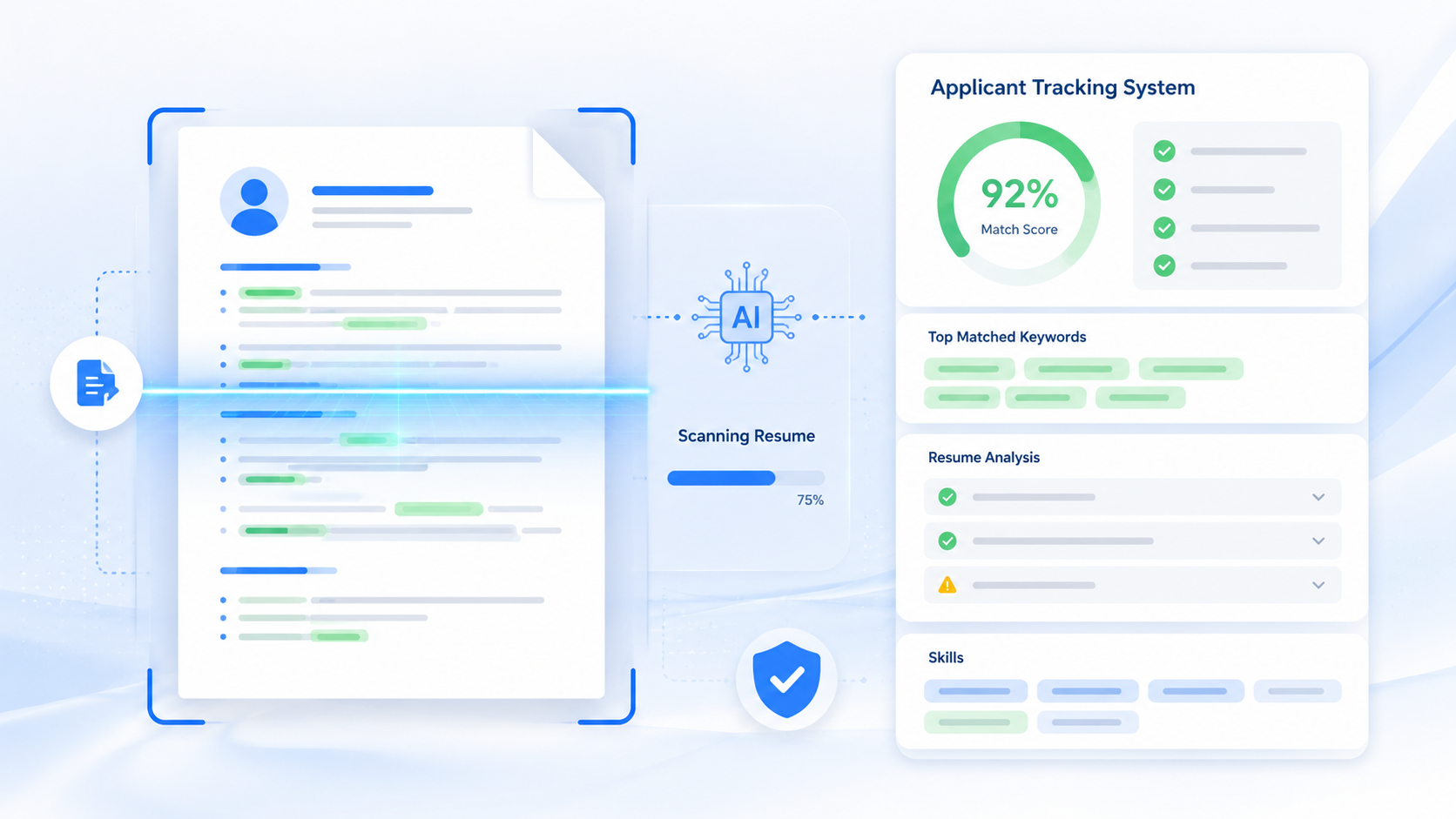
An ATS resume is built to survive the software that screens it first, and in 2026, that software decides who even gets seen. This guide shows you what an applicant tracking system actually does, how to format a resume it can read, and the mistakes that get good candidates rejected.
By the end, you'll know exactly how to build an ATS friendly resume that lands in front of a real person — plus pro tips and a real before-and-after example you can copy.
TL;DR
- An ATS resume is formatted so applicant tracking software can read it correctly.
- Use a single-column layout, standard headings, and a text-based .docx or PDF.
- Match keywords from the job description naturally, not stuffed.
- Avoid graphics, tables, headers, and footers for key information.
- Run your resume through a free ATS checker before you apply.
Table of Contents
What Is an ATS Resume, Really?
An ATS resume is a resume formatted so an applicant tracking system can scan, parse, and rank it correctly. An applicant tracking system is software companies use to collect, sort, and filter job applications before a recruiter reads a single one.
Think of it like airport security for your resume. It doesn't judge your talent — it just checks whether you're wearing the right "format" to get through the gate. Fancy graphics, columns, and creative fonts often confuse the scanner, even if the content is perfect.
Most mid-size and large companies use one, including:
- Workday
- Greenhouse
- iCIMS
- Taleo
- Lever
These systems scan your resume, extract your data into fields, and score you against the job description. If your formatting breaks the parsing, your experience might never get read — no matter how strong it is.
Here's what happens behind the scenes. When you submit an application, the applicant tracking system pulls your text into a database, splitting it into fields like name, job titles, dates, and skills. It then compares those fields against the keywords in the job posting and assigns you a match score.
Recruiters usually only review the top-scoring candidates — sometimes the top 20-30%. That means two people with nearly identical experience can get very different outcomes just based on how well their resume was formatted for the scan.
In 2026, this matters more than ever. Remote and hybrid roles get hundreds of applications within days, so companies lean on applicant tracking systems even harder to narrow the pool before a human ever opens a file.
For a full formatting walkthrough, see our guide to what makes a resume ATS-friendly.
How to Write an ATS Friendly Resume, Step by Step
Passing the applicant tracking system isn't about tricking it. It's about giving it clean, readable information it can process correctly. Follow these steps in order.
Step 1: Use a Simple, Single-Column Layout
Stick to one column, standard section headings, and no text boxes. ATS software reads top to bottom, left to right — a two-column layout or sidebar often gets scrambled, mixing your job titles with your skills list.
This is the single biggest reason strong candidates get filtered out. A visually creative resume might impress a human eye, but if the parser reads your skills column as part of your job description, your whole work history can come out as garbled text.
Step 2: Match Keywords From the Job Description
Pull exact phrases from the job posting and work them into your experience section naturally. If the listing says "project management," don't write "managed projects" — use the same phrase the system is scanning for.
Go through the posting line by line and highlight repeated terms, tools, and qualifications. Those repeated words are usually weighted higher in the scoring system, so working them into your bullet points naturally can meaningfully lift your match rate.
Step 3: Use Standard Section Headings and File Types
Label your sections "Work Experience," "Education," and "Skills" — not creative alternatives like "My Journey." Save your file as a .docx or a text-based PDF, never an image or scanned file.
Some older systems still struggle with certain PDF exports, so a .docx file is the safer default if the job posting doesn't specify a format. When in doubt, check the application portal for file type requirements before you upload.
| Before (Fails ATS) | After (ATS Friendly) |
|---|---|
| Two-column layout with a photo and icons | Single-column layout, no images |
| Section titled "My Story" | Section titled "Work Experience" |
| Skills shown as a graphic bar chart | Skills listed as plain text |
| Saved as a scanned image (.jpg) | Saved as a text-based .docx or PDF |
Free tools like AICV Create handle this automatically — you pick a template, fill in your details, and download a perfectly formatted PDF that's already built to pass ATS scans.
Step 4: Use Standard Fonts and Clear Formatting
Choose fonts like Arial, Calibri, or Georgia at 10-12pt. Avoid headers, footers, and text inside tables, since many systems skip those areas entirely and lose your contact details or dates.
Keep your bullet points as plain dashes or dots rather than custom icons or symbols. Unusual characters sometimes convert into broken text when the system extracts your content, which looks messy to anyone reviewing it later.
Step 5: Include a Skills Section That Mirrors the Job Ad
List both hard and soft skills in a dedicated section, using the same terms the employer uses. This gives the system an easy match and gives a recruiter a quick scan point later.
Step 6: Proofread With an ATS Checker Before You Submit
Run your finished resume through a free ATS checker to confirm it parses cleanly. This catches formatting issues you can't spot by eye, like missing dates or a skills section the parser failed to read correctly.
Common ATS Resume Mistakes to Avoid
- Using tables or columns for layout. Many systems read left to right and top to bottom only, so a table can jumble your job history into the wrong order or drop it completely.
- Saving your resume as an image or PDF from a design tool. If the text isn't selectable, the system can't read it at all — your resume gets filtered out before anyone sees it.
- Stuffing keywords unnaturally. Repeating a keyword ten times in a row looks like spam to both the software and the human reading it after.
- Using headers and footers for contact info. Many parsers skip these sections, meaning your phone number and email never make it into the system's database.
- Uploading the same generic resume to every job. Each posting has different priority keywords, and a one-size-fits-all resume scores lower on every single one.
- Using an unusual job title instead of the standard one. Creative titles like "Sales Ninja" might look fun, but they won't match what recruiters and systems are actually searching for in that field.
Small formatting choices add up fast. Fixing even two or three of these mistakes can be the difference between a resume that disappears into a database and one that lands an interview call.
Pro Tips to Beat the ATS in 2026
The basics get you through the door. These tips help you rank higher once you're inside.
- Use both the acronym and the full term. Write "search engine optimization (SEO)" so you match searches for either version.
- Mirror the job title exactly, where true. If you were a "Marketing Coordinator" and the posting wants a "Marketing Associate," and your duties genuinely match, reflect that overlap in your summary.
- Keep dates in a consistent format. Use "MM/YYYY" throughout so the system can calculate your total experience without errors.
- Run your resume through an ATS checker before applying. A quick scan tells you your match score and which keywords you're missing for that specific role.
- Save separate versions for different job types. If you're applying to both marketing and operations roles, keep two tailored versions rather than stretching one resume to fit both.
★ PRO TIP: Tailor your skills section for every single application. Copy the top 8-10 keywords straight from the job posting and slot in the ones that genuinely apply to you — this single habit raises ATS match scores more than any other change.
For more on picking the right terms, read how to match your resume to a job description.
AICV Create's AI writing suggestions can also flag missing keywords as you type, so you're not guessing which terms actually matter for the role.
Real Example: Resume Before and After ATS Optimization
Priya, a recent marketing graduate, applied to 40 jobs and got zero interviews. Her resume used a two-column template with a skills graphic and a photo — visually nice, but the applicant tracking system couldn't parse half of it.
She switched to a single-column format, renamed her sections to standard labels, and added exact keywords from each job posting, like "content strategy" and "campaign analytics" instead of "creative projects."
Within three weeks of resending her updated ATS friendly resume, she landed five interview callbacks. Nothing about her experience changed — only the format the system could actually read.
Her old resume scored around 40% on a free ATS checker, mostly because of the graphic elements and missing keywords. The updated version scored above 80%, which lined up almost exactly with the jump in her response rate.
The lesson isn't that keywords alone get you hired. It's that a strong resume needs to clear the applicant tracking system first before your actual experience gets the chance to speak for itself.
Once your format is fixed, browse the best free resume templates for 2026 to build from a strong base.
Build Your Resume Free with AICV Create
You don't need design skills or hours of formatting work to build a resume that passes the applicant tracking system. AICV Create does the heavy lifting so you can focus on your experience, not your layout.
- ATS-friendly templates built to pass parsing software
- AI writing suggestions that tailor your bullet points to the job
- Instant PDF download, free to start, no design work needed
→ Create your free resume at aicvcreate.com — no account needed to get started.
FAQ
What is an ATS resume?
An ATS resume is a resume formatted so applicant tracking system software can scan, read, and rank it correctly. It uses simple layouts, standard headings, and relevant keywords instead of graphics or columns that confuse the parser.
How do I make my resume ATS friendly?
Use a single-column layout, standard section headings, and keywords pulled directly from the job description. Save your file as a .docx or text-based PDF, and avoid images, tables, and headers with contact details.
Is a PDF or Word document better for ATS?
Both work if the file is text-based and not a scanned image. A .docx file is generally the safest choice for older systems, while a text-based PDF works well for most modern applicant tracking systems used in 2026.
How long does it take to make an ATS resume?
Writing one from scratch takes 1-2 hours if you're gathering details and tailoring keywords carefully. Using a free tool like AICV Create speeds this up to about 15-20 minutes with a ready-made ATS-friendly template.
Is aicvcreate.com really free?
Yes. AICV Create is free to use with core features including resume editing, ATS-friendly templates, and PDF export. Pro plans unlock unlimited resumes, AI writing, and advanced tools — but you can build and download a complete resume without paying anything.