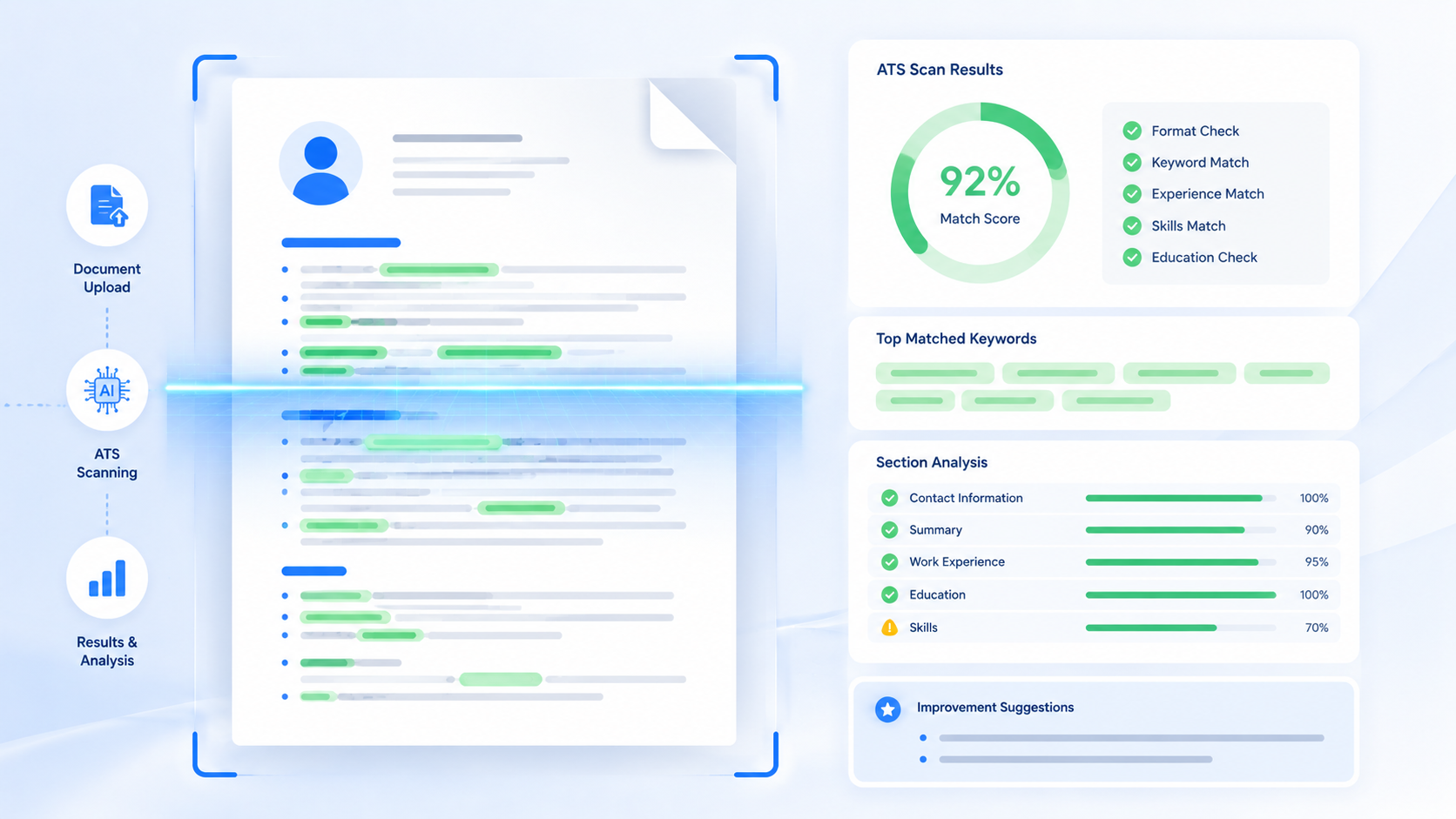
Without a solid ATS friendly resume checklist, a well-written resume can get rejected in seconds for reasons that have nothing to do with your skills. This guide walks you through the exact ATS resume format checklist recruiters and hiring software expect in 2026.
You'll get a step-by-step breakdown, the mistakes that quietly tank your score, pro tips most guides skip, and a real before-and-after example you can copy.
TL;DR
- Use a single-column, text-based layout with standard section headings.
- Save your file as .docx or a text-based PDF, never a scanned image.
- Place keywords in your summary, skills, and bullet points naturally.
- Keep fonts, spacing, and dates simple and consistent.
- Re-check the checklist for every application, not just once.
Table of Contents
What Is an ATS Friendly Resume Checklist?
An ATS friendly resume checklist is a set of formatting and content rules that make sure your resume can be read correctly by an applicant tracking system. It covers everything from layout and file type to keyword placement and section headings.
Think of it like a pre-flight checklist for pilots. Skipping one small item might seem harmless, but it can be exactly what grounds your application before it even takes off. A checklist removes the guesswork and gives you a repeatable process for every job you apply to.
A complete checklist usually covers:
- Layout and formatting rules
- File type and naming conventions
- Section headings and structure
- Keyword placement and phrasing
- Fonts, spacing, and readability
Missing even two or three of these can drop your resume out of contention before a recruiter ever opens it. That's why treating this as a checklist — not a vague set of tips — matters so much in 2026.
Every applicant tracking system works a little differently, but they all rely on the same basic process. Your resume gets pulled into fields, matched against the job posting, and given a score before any person sees it.
A checklist forces you to slow down and check each of those fields — job titles, dates, skills, education — instead of trusting that a resume "looks fine" on screen. What looks fine to your eyes and what a parser can actually extract are often two different things.
New to the topic? Start with what an ATS resume actually is before working through this checklist.
The Complete ATS Resume Format Checklist, Step by Step
Work through these steps in order. Each one fixes a specific way resumes get lost or misread by hiring software.
Step 1: Choose a Single-Column, Text-Based Layout
Stick to one column with no sidebars, text boxes, or graphics. Applicant tracking systems read in a straight line, so a creative layout can scramble your job titles, dates, and skills into the wrong order entirely.
This one step alone fixes the majority of parsing failures. If you're currently using a template with a sidebar for skills or contact info, that's usually the first thing worth changing before anything else on this checklist.
Step 2: Save Your File as a .docx or Text-Based PDF
Never submit a scanned image or a PDF exported from a design tool with flattened text. If the words on your resume aren't selectable and searchable, the system can't extract them, and your resume gets skipped.
A quick way to test this: open your file and try to highlight a sentence with your cursor. If you can select and copy the text normally, it's in good shape. If not, re-export it before you apply anywhere.
| Before (Fails ATS) | After (ATS Resume Format) |
|---|---|
| Resume saved as a flattened image PDF | Resume saved as a text-based .docx or PDF |
| Skills shown as colored progress bars | Skills listed as plain text, comma-separated |
| Section titled "What I Bring to the Table" | Section titled "Skills" |
| Two-column layout with a sidebar timeline | Single-column, chronological layout |
Free tools like AICV Create handle this automatically — you pick a template, fill in your details, and download a perfectly formatted PDF that already follows the ATS resume format checklist for you.
Step 3: Use Standard Section Headings
Label your sections "Work Experience," "Education," "Skills," and "Certifications." Creative labels might look unique, but most parsers are trained to recognize standard headings, not clever alternatives.
If you're switching careers or building a portfolio-style resume, it can be tempting to invent your own section names. Save that creativity for your cover letter instead, and keep the resume headings predictable.
Step 4: Place Keywords Where the System Expects Them
Add relevant keywords in your summary, skills section, and job bullet points — not hidden in white text or crammed into a footer. Spread them naturally across the resume instead of clustering them in one spot.
A good rule of thumb is to mention your top three or four skills at least twice each, once in your summary and once in a relevant job bullet point. This reinforces the match without repeating the exact same sentence.
Step 5: Keep Fonts and Spacing Simple
Use Arial, Calibri, or Georgia at 10-12pt, with consistent spacing between sections. Unusual fonts and tight spacing can cause parsing errors that merge your job titles with the line below them.
Step 6: Name Your File Clearly Before You Upload
Save your resume as "FirstName-LastName-Resume.pdf" instead of a generic name like "Document1." Some systems display this file name to recruiters directly, and a clear name looks more professional at a glance.
Common Mistakes That Break an ATS Friendly Resume
- Hiding keywords in white text. Some outdated advice suggests stuffing invisible keywords into the page — modern systems flag this as manipulation and can penalize your application.
- Using headers or footers for contact details. Many parsers skip these areas completely, so your phone number and email might never make it into the system's database.
- Submitting a resume with spelling errors in headings. A typo in "Experience" or "Education" can stop the parser from recognizing that section at all.
- Ignoring the job title match. If your resume title is wildly different from the posting's title, your match score drops even when your experience is a strong fit.
- Forgetting to update dates consistently. Mixed date formats, like "Jan 2023" in one spot and "01/2023" in another, can confuse how the system calculates your total experience.
- Leaving gaps unexplained in the layout. A resume with unclear or missing employment dates can trigger low scores, even when the actual work history is solid.
None of these mistakes are hard to fix once you know to look for them. That's exactly what a checklist is for — catching the small stuff before it costs you an interview.
Most job seekers make at least one of these errors without realizing it, simply because their resume "looks" fine on screen. Running through the list above takes ten minutes and can meaningfully change your response rate.
Explaining an employment history isn't always straightforward — if that applies to you, see how to explain employment gaps on a resume.
Pro Tips to Strengthen Your ATS Resume Checklist
- Write your skills section as a flat list, not a paragraph. A comma-separated list is easier for both the system and a recruiter to scan quickly.
- Match the exact phrasing of certifications. Write "Google Analytics Certified" exactly as the job posting does, rather than paraphrasing it.
- Use reverse-chronological order. Most systems are built to expect your most recent role first, and unusual ordering can throw off the parsing.
- Re-check your checklist for every application. A resume that passed for one job posting can still fail another if the keywords or job title don't match closely enough.
- Keep a master resume separate from tailored versions. Store your full work history in one document, then trim and adjust copies for each application instead of editing your only file every time.
★ PRO TIP: Before you submit anything, run your resume through a free ATS checker and compare your match score against the specific job posting — not just a generic scan. A generic pass doesn't guarantee a strong score against a real listing.
AICV Create's built-in AI suggestions flag weak or missing keywords as you write, so you're checking the boxes on this list without digging through the job posting line by line.
For more on tailoring, see how to match your resume to a job description.
Before and After: Applying the Checklist to a Real Resume
Daniel, a customer support rep with three years of experience, had been applying for months with almost no responses. His resume used a graphic-heavy template with icons for each skill and a two-column layout.
He ran it against the checklist and found four issues right away: a two-column layout, icon-based skills, inconsistent date formats, and a section titled "About Me" instead of "Summary."
After fixing each item on the ATS resume format checklist and rebuilding his skills section as a plain list matched to the job postings, his interview rate jumped from near zero to three callbacks in two weeks. The experience on the page never changed — only its ability to get read.
He also noticed his match score on a free ATS checker jump from roughly 35% to over 75% after the changes. That gap lines up closely with how many recruiters even opened his resume before and after.
Daniel's case is a reminder that a checklist isn't about rewriting your career story. It's about removing the technical barriers standing between your experience and the person who's supposed to read it.
Once your format is fixed, browse the best free resume templates for 2026 to build from a strong base.
Build Your Resume Free with AICV Create
Running through a checklist manually works, but it takes time you could spend actually applying. AICV Create builds every item on this ATS friendly resume checklist directly into its templates, so you don't have to check each box yourself.
- ATS-friendly templates that follow the correct ATS resume format automatically
- AI writing suggestions that flag missing keywords as you type
- Instant PDF download, free to start, no design skills required
→ Create your free resume at aicvcreate.com — no account needed to get started.
FAQ
What is an ATS friendly resume checklist?
An ATS friendly resume checklist is a list of formatting and content rules that ensure your resume can be read correctly by applicant tracking system software. It covers layout, file type, section headings, fonts, and keyword placement.
How do I check if my resume follows the right ATS resume format?
Run your resume through a free ATS checker, or compare it against a formatting checklist that covers layout, headings, fonts, and file type. Look for a single-column structure, standard headings, and a text-based file format.
Is a checklist really necessary, or can I just format it myself?
You can format it yourself, but it's easy to miss small issues like inconsistent dates or hidden headers. A checklist catches these details systematically, which matters since even one formatting error can drop your resume out of contention.
How long does it take to fix a resume using this checklist?
Most resumes take 30-60 minutes to fix once you know what to look for. Using a free tool like AICV Create speeds this up further, since the ATS resume format checklist is already built into the templates.
Is aicvcreate.com really free?
Yes. AICV Create is free to use with core features including resume editing, ATS-friendly templates, and PDF export. Pro plans unlock unlimited resumes, AI writing, and advanced tools — but you can build and download a complete resume without paying anything.