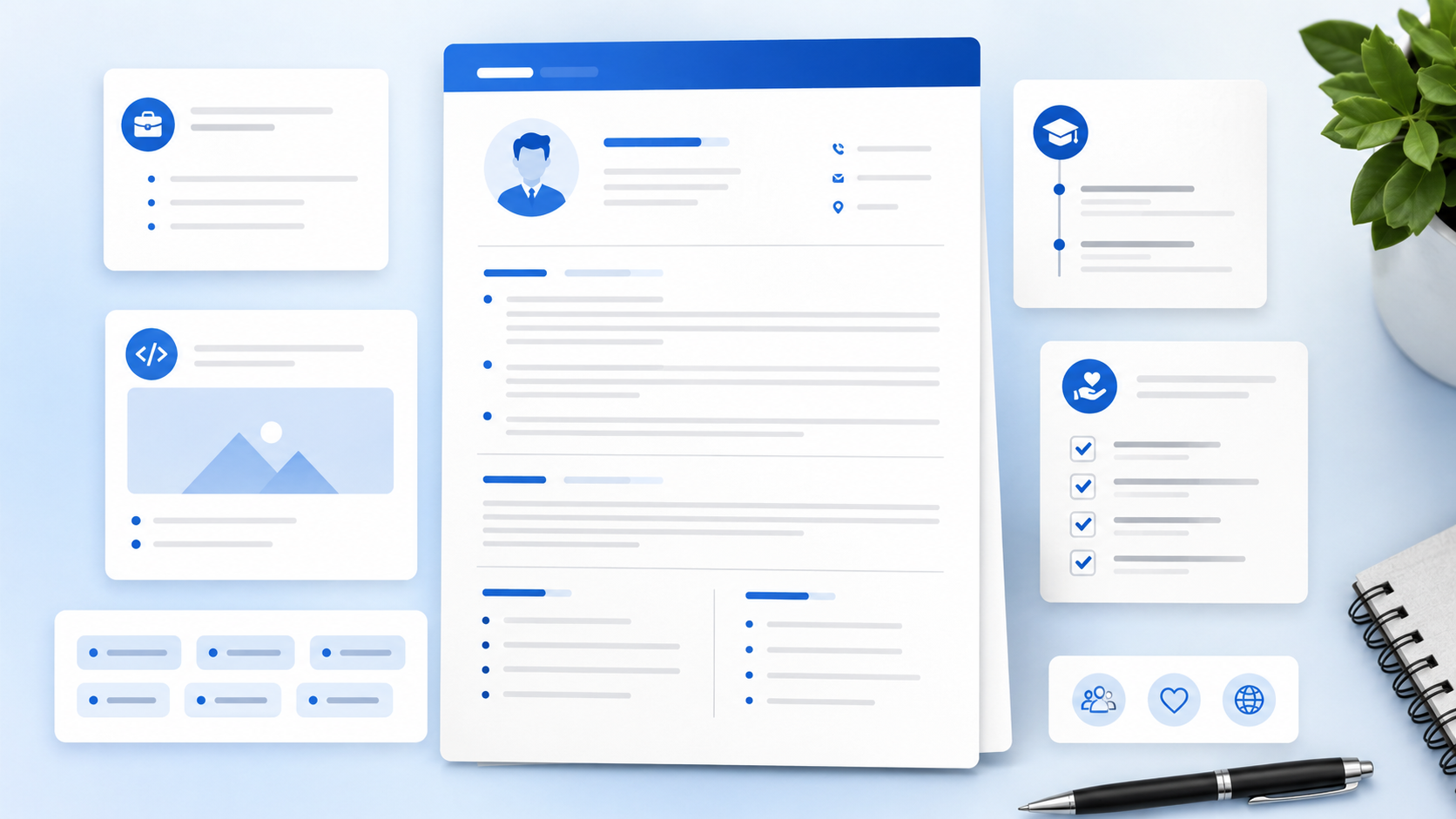
A strong CV does not list everything you have ever done. If you want to know how to write a CV, the real answer is this: choose the details that prove you fit the role, then organize them so the reader can scan them fast.
This guide explains CV writing step by step. You will learn what a curriculum vitae should include, how it differs from a resume, which sections matter most, how to write better bullet points, and what to remove before you send your application.
TL;DR
- A CV should show your contact details, profile, skills, experience, education, and relevant proof.
- For most job applications, keep your CV one to two pages.
- Academic CVs can be longer because they include research, teaching, and publications.
- Use clear headings and simple formatting so recruiters and ATS software can read it.
- Tailor your CV for each role instead of sending one general version everywhere.
Table of Contents
What a CV Should Do
A CV should help an employer, recruiter, university, or program understand your qualifications quickly. It is a structured document, not a personal biography. Good CV writing makes your best proof easy to find.
Think of your curriculum vitae like a well-labeled folder. If the labels are clear, the reader knows where to look. If everything is mixed together, your strongest details can get missed.
- Contact details make it easy to reach you.
- A profile explains your target role and strongest value.
- Skills show tools, strengths, and job match.
- Experience proves how you have used those skills.
- Education and extras support your qualifications.
How to Write a CV Step by Step
Step 1: Start with the right CV format
Choose a clean layout with standard headings and enough white space.
Most job seekers should use reverse chronological order: recent experience first, then older roles. Students can place education and projects higher when those sections are stronger than work history.
Step 2: Add professional contact details
Include your name, phone number, email, city and state, LinkedIn, and portfolio if useful.
Do not include private personal details such as full address, date of birth, marital status, or identification numbers for standard U.S. job applications.
Step 3: Write a focused CV profile
Use two to four lines to show who you are, what you do well, and what role you are targeting.
A profile should not be a long objective. It should connect your background to the employer's need. Mention your field, skills, tools, experience level, or strongest project.
If you're not sure how to phrase this, browse these resume summary examples for beginners for wording you can adapt.
Step 4: Build a skills section
List skills that match the role and that you can explain in an interview.
Group skills when useful. For example: Technical Skills, Communication, Tools, Languages, or Industry Knowledge. Free tools like AICV Create can help you organize CV sections and keep the final document ATS-friendly.
Step 5: Write experience with proof
Use bullet points that show action, context, tools, and results.
Do not copy your job description. Show what you handled, improved, built, supported, trained, tracked, resolved, or delivered. If you do not have numbers, use specific details about customers, teams, tools, or project scope.
Step 6: Add education and relevant extras
Include degrees, school names, dates, certifications, coursework, projects, awards, languages, publications, or volunteer work when they support your goal.
For academic CVs, include research, teaching experience, publications, grants, presentations, and professional memberships. For normal job applications, keep extras shorter and more targeted.
For a full section-by-section rundown, see what to put on a resume.
Step 7: Compare weak and strong CV content
Use this table to turn vague content into proof.
| Weak CV line | Stronger CV line |
|---|---|
| Responsible for customer service. | Answered customer questions by phone and email, documented issues, and followed up on order updates during busy shifts. |
| Worked on research project. | Collected survey responses, organized spreadsheet data, and presented findings to a 5-person class team. |
| Good with computers. | Created Excel trackers, updated shared documents, and used Google Workspace for weekly project coordination. |
CV Writing Mistakes to Avoid
- Writing too much: A longer CV is not stronger if it buries the best details. Keep job applications focused.
- Using unclear headings: Creative headings can confuse ATS software. Use standard section names.
- Listing duties only: Duties show what the job required. Proof shows what you actually did.
- Sending the same CV everywhere: Tailor your profile, skills, and top bullets for each role.
- Adding private information: Avoid photos and personal details unless a country or employer specifically requires them.
Many of these overlap with common resume mistakes that cost interviews, so it's worth checking both lists together.
Pro Tips for a Stronger Curriculum Vitae
- Write the profile last. Finish your experience and skills first, then summarize the strongest proof.
- Use one CV master file. Keep all experience in one long version, then create shorter tailored versions for applications.
- Put the best proof on page one. Do not make the reader search for your strongest match.
- Save as PDF unless asked for Word. PDF keeps formatting stable across devices.
- Name the file clearly. Use a simple name like Maria-Santos-CV.pdf.
★ PRO TIP: Before sending your CV, compare the first half page with the job description. If the match is not clear there, revise your profile, skills, and first few bullets.
AICV Create can help you revise faster because you can edit sections, get writing suggestions, and export a clean PDF when your content is ready.
Before and After CV Example
Here is a simple example for a recent graduate applying for an entry-level administrative assistant role.
Before: Recent graduate looking for a job where I can learn and grow. I am hard-working, organized, and good with people.
After: Business graduate with coursework in office administration, Excel, and communication. Experienced in campus event coordination, meeting notes, scheduling support, and customer-facing part-time work.
The after version works because it gives the reader useful proof. It names education, skills, tasks, and setting. It does not depend on empty adjectives.
Now compare the bullet point.
Before: Helped with events and office work.
After: Coordinated room bookings, reminder messages, attendance lists, and volunteer schedules for three campus events with 40+ attendees each.
The stronger bullet shows action, tools, scope, and responsibility. That is the heart of good CV writing.
CV vs Resume: Which One Do You Need?
In the United States, a resume is usually the standard document for most jobs. It is short, targeted, and focused on recent relevant work. A curriculum vitae is often used for academic, research, medical, scientific, or international applications.
In many countries, people use the word CV for the same document Americans call a resume. That is why you should always read the job posting carefully. If it asks for a CV, look at the country, role, and field before deciding the length and detail level.
For a normal private-sector job, a one or two page CV is usually enough. For an academic role, you may need publications, presentations, teaching, grants, research, and professional service.
How Long Should a CV Be?
Most job-focused CVs should be one to two pages. Students, freshers, and early-career applicants usually need one page. Experienced professionals can use two pages when the extra space adds relevant proof.
Academic CVs are different. They can be several pages because they document a full scholarly record. Even then, the document should stay organized and easy to scan.
If your CV feels too long, remove repeated bullets, old unrelated jobs, weak hobbies, and details that do not support the role.
Best CV Sections to Include
The best CV sections depend on your goal, but most job-focused CVs need the same foundation. Start with contact information, a profile, skills, experience, education, and certifications. Then add optional sections only when they help prove your fit.
- Projects: useful for students, freshers, software roles, marketing roles, and portfolio-based work.
- Volunteer work: helpful when it shows leadership, service, communication, or responsibility.
- Languages: important for customer-facing, international, healthcare, education, and support roles.
- Publications: useful for academic, research, medical, and technical fields.
- Professional memberships: helpful when the organization is recognized in your field.
Do not add optional sections just to fill space. Each section should earn its place by making your qualifications clearer.
How to Write a CV as a Student or Fresher
If you do not have much work experience, build your CV around proof from education, projects, part-time jobs, volunteer work, and campus activities. Employers know students may not have years of experience. They still want to see effort, skills, and responsibility.
Place education near the top. Add relevant coursework only when it connects to the role. Use projects to show tools, teamwork, research, writing, analysis, design, coding, or communication. A class project can be strong when you explain the goal, your role, and the result.
For example, instead of writing "Completed marketing project," write "Created a social media plan for a class project, researched three competitor accounts, and presented campaign ideas to a 4-person team." That line gives the reader something real to judge.
Build Your Resume Free with AICV Create
You can write a stronger CV faster when the structure is already built for you. AICV Create helps you organize sections, improve wording, and download a polished document.
- ATS-friendly templates for CVs and resumes
- AI writing suggestions for profiles and bullet points
- Instant PDF download, free to start
→ Create your free resume at aicvcreate.com — no account needed to get started.
FAQ
How do I write a CV in 2026?
Write a CV by adding contact details, a focused profile, skills, work experience, education, projects, certifications, and achievements. Match the content to the role and use clean headings.
What is the difference between a CV and a resume?
In the United States, a resume is usually short and job-focused, while a curriculum vitae can be longer for academic, research, or international roles. In many countries, CV and resume mean similar job documents.
How long should a CV be?
For most job applications, a CV should be one to two pages. Academic CVs can be longer because they may include publications, research, teaching, grants, and presentations.
Can I write a CV with no experience?
Yes. Use education, projects, internships, volunteer work, coursework, campus activities, certifications, and skills. Show proof of responsibility, communication, tools, and problem solving.
Can AICV Create help with CV writing?
Yes. AICV Create helps you organize CV sections, improve summaries and bullet points, use ATS-friendly templates, and download a clean PDF based on your real background.