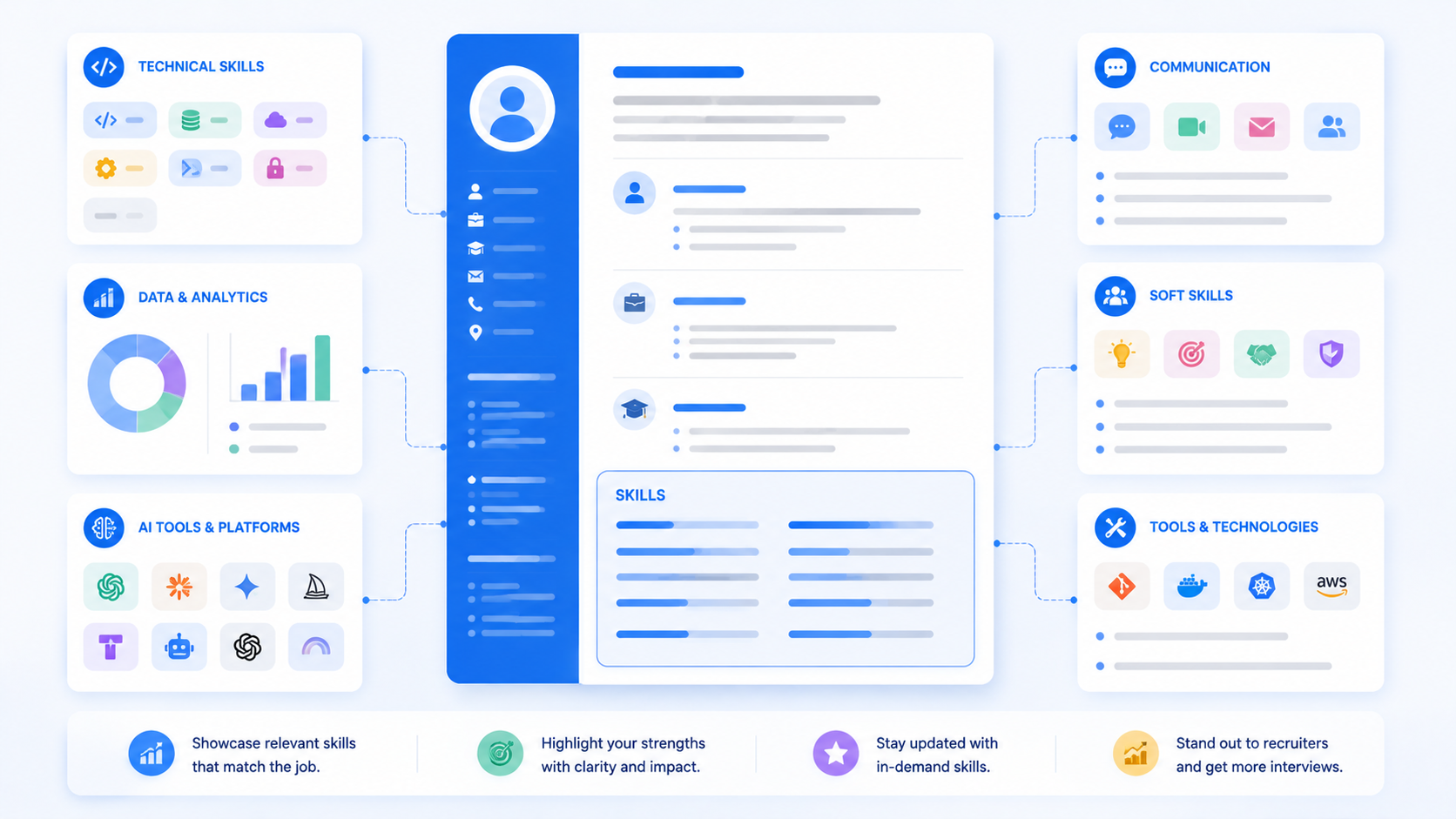
A messy skills list can cancel out strong experience before a recruiter ever reads your work history. Your resume skills section is one of the most scanned parts of the page — by both humans and hiring software — which means how you format it matters almost as much as what's in it.
This guide covers exactly what to write, how to structure hard skills and soft skills, the formatting choices that pass applicant tracking systems, and the mistakes that quietly weaken an otherwise solid list. You'll also see a real before-and-after example.
TL;DR
- Mix 3-6 hard skills with 2-4 soft skills, matched to the job posting.
- Group skills under short subheadings once you pass about ten items.
- Avoid skill bars, star ratings, and other graphics — they often don't parse correctly.
- Match the exact wording from the job description instead of a synonym.
- Keep the final list to 8-12 skills, updated for each application.
Table of Contents
Hard Skills vs Soft Skills: What Actually Belongs in a Skills Section?
Hard skills are specific, teachable abilities you can name and prove, like Excel, SQL, or graphic design. Soft skills are behaviors, like communication or teamwork, that show how you work with others.
Think of hard skills as the tools in a toolbox and soft skills as how carefully you use them. A resume needs both to tell the full story.
Not sure which specific skills fit your field? See the best skills to put on a resume in 2026 for a full breakdown by industry.
A well-rounded skills for resume list usually includes:
- 3-6 hard skills specific to the job you're applying for
- 2-4 soft skills that are genuinely relevant to the role
- Tools or software named exactly as the employer lists them
- Nothing you can't explain if asked about it in an interview
The mix matters more than the total count. A list of ten hard skills with no soft skills can read as technically strong but socially untested.
Applicant tracking systems usually scan this section closely, since it's often the fastest way to match a resume against a job posting's required qualifications. That makes the skills for resume list one of the highest-value sections to get right.
A recruiter skimming a resume for ten seconds will often check the skills section before reading a single bullet point in your experience. If it's cluttered or vague, that quick scan can end the review right there.
That's why formatting deserves just as much attention as content here. A perfectly chosen set of hard skills and soft skills can still get overlooked if it's buried in a wall of unformatted text.
How to Format Your Skills Section, Step by Step
The right format depends on your field, but these steps work for almost any resume.
Step 1: Choose Between a Flat List and Categorized Groups
Use a simple comma-separated or bulleted list if you have fewer than ten skills. Once you pass that number, group them under short subheadings like "Technical Skills" and "Core Skills" to keep the section scannable.
Categorizing also helps you catch imbalance early. If your "Technical Skills" group has eight items and your "Core Skills" group has one, that's a sign your resume skills section needs rebalancing before you apply.
Step 2: Decide Where the Skills Section Goes
Place it right after your summary if skills are your strongest selling point, or after your experience section if your work history carries more weight. There's no universal right answer — it depends on what you want a recruiter to see first.
Students, freshers, and career changers often benefit from placing skills higher on the page, since they may not have years of work history to lead with instead.
| Before (Cluttered) | After (Formatted) |
|---|---|
| Skills: hardworking, Excel, team player, good at multitasking, Photoshop, punctual, Python | Technical Skills: Excel, Python, Photoshop Core Skills: Time management, collaboration, adaptability |
Free tools like AICV Create handle this formatting automatically — you pick a template, add your skills, and it arranges them into clean, ATS-friendly groups without you touching a single margin.
Step 3: Keep the Formatting Simple and Scannable
Avoid graphic skill bars, star ratings, or progress circles. They look polished on screen but often get dropped entirely when an applicant tracking system parses the page.
Plain text also ages better. A skill bar showing "80% proficient in Excel" looks oddly specific and doesn't actually tell a recruiter anything a simple list can't.
Step 4: Match the Wording to the Job Posting
Use the exact terms from the listing, not a close synonym. If the posting says "project management," write that instead of "managing projects."
This small wording choice matters more for applicant tracking systems than it might seem. Many scoring systems match exact phrases, not concepts, so a close synonym can score lower even when the meaning is identical.
Step 5: Limit the List to What You Can Prove
Keep your final list to 8-12 skills total, prioritizing the ones most relevant to the specific job. A shorter, sharper list reads as more credible than an exhaustive one.
Step 6: Update the Section for Every Application
Swap in the skills most relevant to each posting rather than reusing one static list everywhere. Even a few word changes can meaningfully raise your match with a specific job's requirements.
This is faster than it sounds once you have a master list ready. Most updates take five minutes: swap two or three skills, reorder the list, and you're done.
If you're applying to several similar roles, this small habit compounds. Each version stays tailored without requiring a full rewrite every time you apply somewhere new.
Common Mistakes People Make With Their Skills Section
- Listing skills with no order or grouping. A random jumble of hard and soft skills is harder to scan and makes your strongest abilities easy to miss.
- Using vague soft skills with no proof elsewhere. Writing "great communicator" means little if nothing else on the resume backs it up.
- Copying a generic skills list from the internet. Skills that don't match the job description or your real experience can hurt more than help.
- Overloading the section with outdated tools. Listing software you haven't used in years signals that your resume isn't current.
- Using graphics instead of text for skill level. Bars and star ratings often don't parse correctly and tell a recruiter nothing concrete anyway.
- Listing the same static skills section for every job. A skills list that never changes misses easy opportunities to match each specific posting more closely.
Most of these mistakes are format problems, not content problems — which means they're quick to fix once you spot them. A ten-minute review before you apply can catch nearly all of them.
Pro Tips for a Stronger Skills Section
- Pull your skill list directly from the job description. Highlight every repeated skill in the posting, then cross-check it against your own real experience.
- Separate hard skills from soft skills visually. Even a simple label like "Technical Skills" and "Additional Skills" helps a recruiter scan faster.
- Reorder your list for each application. Put the most job-relevant skills first, since scanners and humans both weigh earlier items more heavily.
- Back up at least one soft skill with a bullet point elsewhere. If you list "leadership," make sure your experience section shows an example of it.
- Avoid listing skills as full sentences. Short, direct labels are easier to scan than a sentence explaining each one — save the explanation for your experience bullets.
- Don't ignore transferable skills when changing careers. Skills from a previous field, like project coordination or data analysis, often carry over more than people expect.
★ PRO TIP: Keep a master list of every skill you've ever used, categorized by hard and soft. For each new job, copy the relevant ones into your resume instead of trying to remember everything from scratch.
For more ways to sharpen the rest of your resume, see 15 practical resume tips for 2026.
AICV Create's AI writing suggestions can flag when your skills section leans too heavily on one category, helping you balance hard and soft skills automatically.
Real Example: A Skills Section Before and After
Leah, applying for a project coordinator role, had a skills section that read: "Hardworking, Microsoft Office, team player, Excel, good communicator, organized, PowerPoint."
She reformatted it into two clear groups: "Technical Skills: Excel, PowerPoint, Microsoft Project, Asana" and "Core Skills: Cross-team coordination, stakeholder communication, scheduling."
Before submitting, she also ran her resume against the full ATS resume format checklist to confirm nothing else needed fixing.
The content barely changed, but the structure made her strongest, most job-relevant skills immediately visible. She started getting callbacks within two weeks of updating the format.
She also removed two outdated tools she hadn't used since a previous internship, since they weren't relevant to the coordinator role and were only taking up space in an already tight section.
Leah's case shows how much formatting alone can do. Her actual skill set didn't grow — the resume skills section just finally presented it in a way both a scanner and a recruiter could quickly understand.
She kept the same reformatted structure for her next few applications, only swapping two or three specific skills each time to match the posting. The format did the heavy lifting each time after that.
Build Your Resume Free with AICV Create
Formatting a skills section well takes more attention than it seems, but you don't have to do it manually. AICV Create arranges your hard and soft skills into a clean, ATS-friendly layout automatically.
- ATS-friendly templates that format your skills section for you
- AI writing suggestions that balance hard and soft skills
- Instant PDF download, free to start, no design skills needed
→ Create your free resume at aicvcreate.com — no account needed to get started.
FAQ
What are hard skills and soft skills on a resume?
Hard skills are specific, teachable abilities like Excel or coding languages. Soft skills are behaviors like communication or teamwork. A strong resume skills section usually includes a mix of both, matched to the job description.
How do I format a resume skills section?
Use a simple bulleted or comma-separated list for fewer than ten skills, or group them under short subheadings for more. Avoid graphics like skill bars, and keep the wording consistent with the job posting.
How many skills should I list on a resume?
Most resumes work best with 8 to 12 skills total, prioritized by relevance to the job. Listing too many can dilute your strongest, most relevant abilities.
Where should the skills section go on a resume?
Place it near the top if your skills are your strongest selling point, such as for career changers or freshers. Place it after experience if your work history is more relevant to the role.
Is aicvcreate.com really free?
Yes. AICV Create is free to use with core features including resume editing, ATS-friendly templates, and PDF export. Pro plans unlock unlimited resumes, AI writing, and advanced tools — but you can build and download a complete resume without paying anything.